DDM Advantages
- Direct from Apple. Update enforcement instructions come from Apple’s own framework rather than a third-party agent, which many security and compliance teams find inherently trustworthy.
- Free (with a paid MDM subscription).
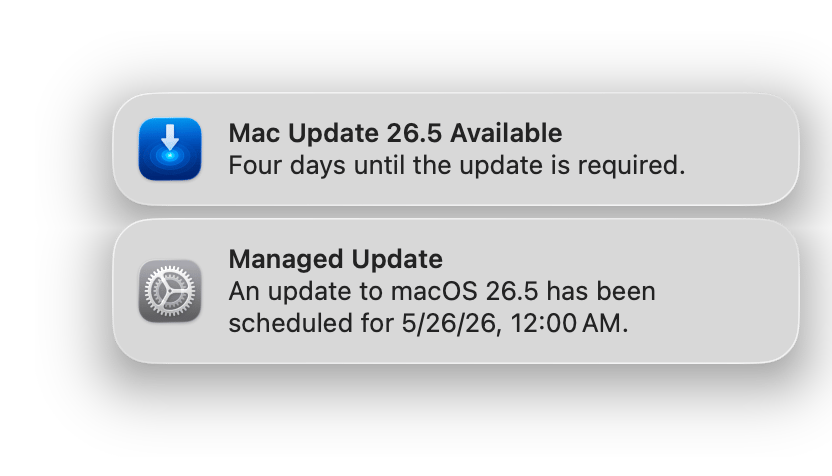
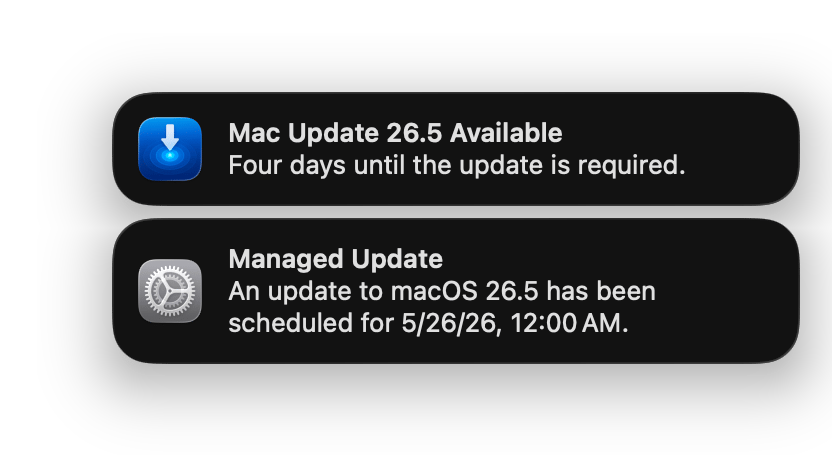
- Scheduled enforcement with similar daily notifications. Like Proximos, DDM can be configured with a countdown and recurring reminders leading up to a deadline.
- Works well with compliant users. For a user who responds to mac OS prompts promptly, DDM’s installation flow is smooth and requires no third-party software at all.
- Easy to configure and implement. DDM software update policies are typically a few fields in your MDM console, with no scripting or additional infrastructure required.
DDM Disadvantages
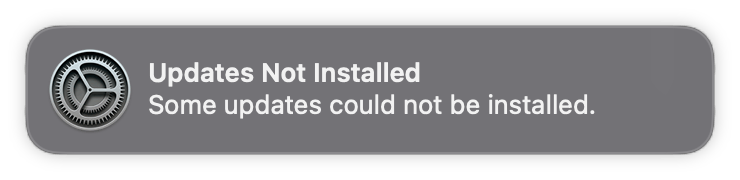
- DDM requires an MDM service with DDM support. Some MDM services like JumpCloud do not implement Apple’s DDM. RMMS like Solarwinds NAble, and NinjaOne don’t implement DDM either.
- DDM is only fully functional when the Mac is enrolled through Apple Business Manager (DEP). The DEP enrollment path is what supplies the bootstrap token DDM needs to authorize unattended installation steps. In practice, a Mac environment with 100% Apple Business Manager enrollment is usually never achieved — older devices, contractor machines, personally owned Macs under BYOD policies, and Macs enrolled before ABM was adopted commonly fall outside this coverage, leaving a meaningful portion of the fleet without full DDM functionality. DDM Still functions on Macs without Apple Business Manager (DEP) enrollment, however the automatic restart functionality is limited.
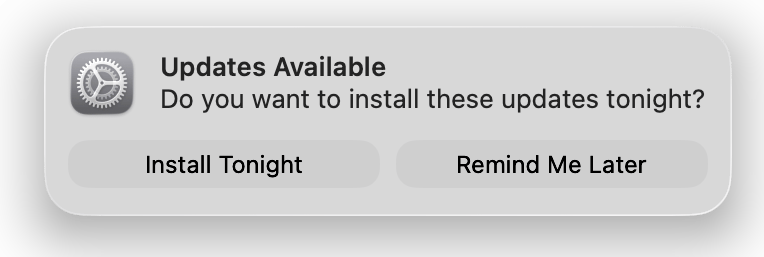
- DDM still requires the user to enter their password to update. If the user avoids entering it, the update will likely never install — DDM does not bypass the human cooperation requirement described in Why Does Proximos Exist?.
- Updates will not install if the Mac is shut down early. Alongside a closed lid or open applications, simply powering off the Mac is another way enforcement can be avoided — DDM update windows require the Mac to be powered on and awake to act. Unlike Windows, macOS does not force update at shutdown.
- Updates will not install if the MacBook’s lid is closed.
- Updates will not install if the battery charge is below 50%.
- Updates will not install if applications are left open with unsaved documents.
- Updates will not install other users are still logged in (Shared or Lab Mac).
- Can give up over time. In our experience, if a user avoids enforcement for more than about a week, DDM can stop attempting the update altogether, leaving the Mac out of compliance with no further automatic retries.
- DDM Updates cannot be branded or tailored specifically to your organization’s compliance notice requirements, leaving legal compliance standards in-the-wind.
Proximos and DDM Coexistence Strategies